
Icon Preparation
kflavor includes template icons you can use as a visual guide. The zip file below contains sample icons and templates for icon creation:
Android
210 px
1024 x 1024 px
Adaptive Icon Examples
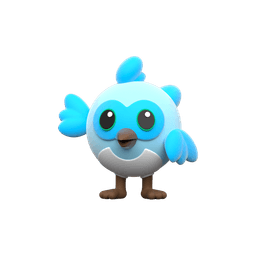
For adaptive icons, ensure the foreground layer has a transparent background to allow proper masking by the system.
iOS
50 px
1024 x 1024 px
iOS Example
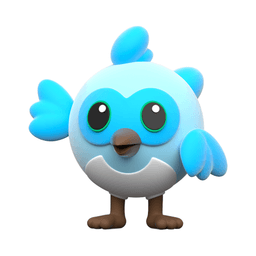
iOS icons must be fully opaque. Ensure your source file has no transparency, as iOS does not support transparent backgrounds.
Preparation Checklist
-
Create one set of icons per flavor.
If you have three flavors (e.g.dev,qa,prod), prepare three icon sets. -
Use the template icons as a guide.
Use the templates in the downloaded zip as the exact visual boundary and spacing guide. Keep the transparent margins / blank space the same as the templates for both Android and iOS icons. This ensures generated adaptive icons and platform icons align visually across different flavors. -
Maintain pixel dimensions.
Keep source images at the same pixel dimensions as the template files. This avoids unexpected cropping or scaling when kflavor or platform tooling generates resized assets. -
Android Adaptive Icons
Prepare a foreground image (main artwork) and a background image/color if you want an adaptive icon with a separate background. If the template uses a single PNG, match its layout and blank space. -
iOS Icons
Provide a high-resolution square PNG (the template preserves the safe area and margins). Using the same visual boundary ensures icons look consistent when iOS masks/rounds them.